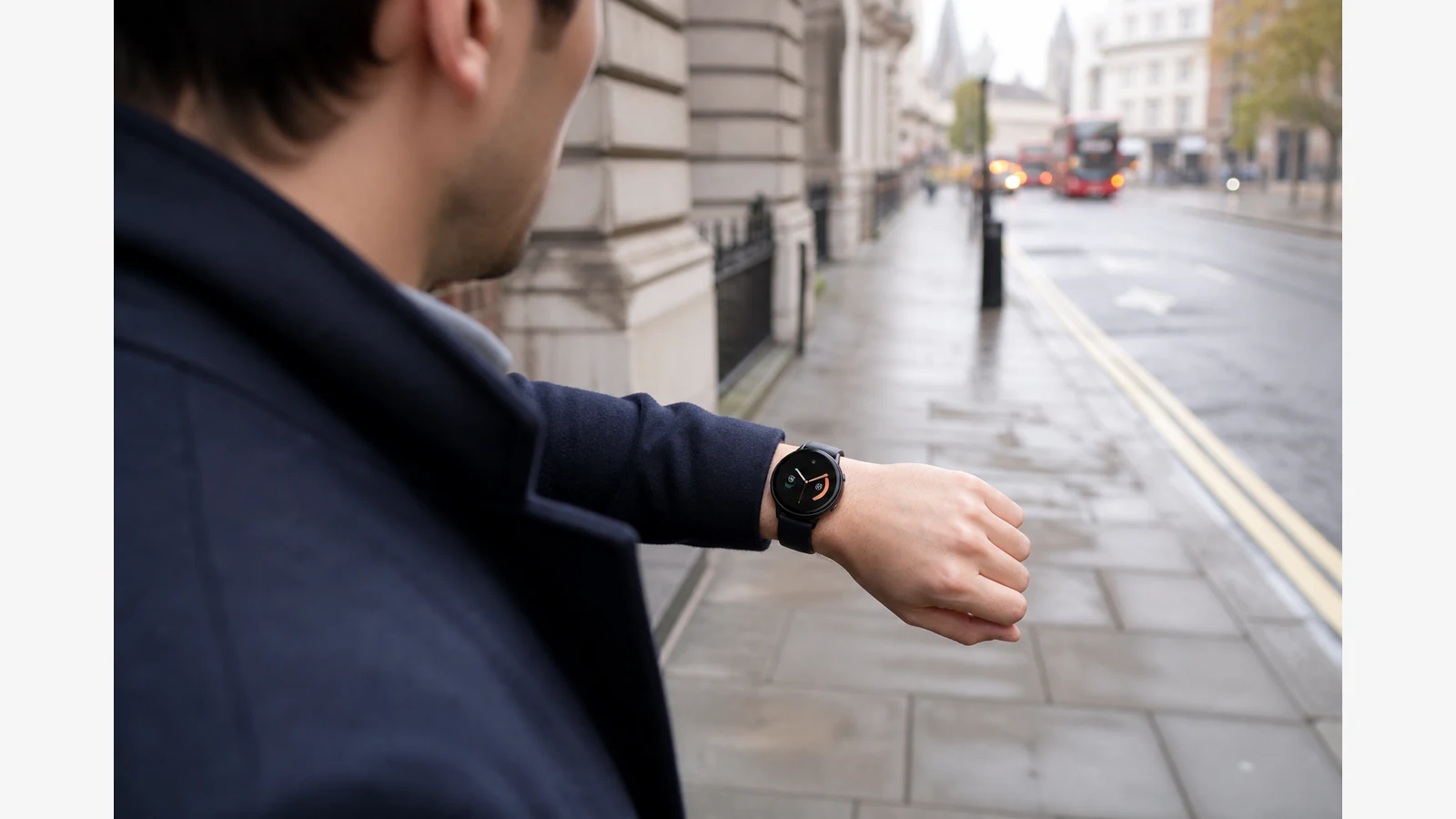
Smartwatch with calls UK: what wrist calling actually needs
A smartwatch with calls in the UK almost always means Bluetooth calling through a paired phone that stays within range — not a cellular SIM on your wrist. You need a speaker and microphone on the watch, a compatible smartphone nearby (typically in a pocket or bag), and realistic expectations about outdoor and gym noise.
That distinction matters on the commute, in the gym, or when your phone is zipped into a coat while you still need to answer work or family calls. Lifestyle GPS watches that advertise “calls from your wrist” usually bridge the phone’s connection; dedicated LTE models that work phone-free remain uncommon in this category.
What “calls from your wrist” actually requires
Independent reviews of lifestyle GPS models such as the Garmin Venu 3 series describe on-wrist calling via a built-in speaker and microphone when the watch is paired with a compatible smartphone. Best Exercise UK’s Venu 3 review summarises that make-and-take-call behaviour as part of the smartwatch feature set rather than a phone replacement.
Android Authority’s Venu 3 review is explicit that on-wrist calls and voice assistants work when the paired phone is within Bluetooth range, and that there was no LTE model in that generation. PCMag UK’s coverage likewise notes the integrated speaker and microphone for calls and voice assistant support.
In practice, check four things before you buy:
- Confirm the watch lists a speaker and microphone (not just notification replies).
- Confirm your phone platform — reply options and assistant behaviour can differ between iPhone and Android.
- Test call quality outdoors and in noisy gyms; wind and music drown small mics.
- Weigh battery trade-offs against phone-centric watches that charge every night.
UK use cases where wrist calling helps
Wrist calling is most useful when the phone stays close but is awkward to reach: walking to the station with the phone in a pocket, pushing a trolley, or mid-set at the gym. It is not a substitute for leaving the phone at home unless you buy a true cellular watch and carrier plan.
If your week mixes office days, parkrun, and recovery focus, also read how lifestyle models compare with run-first training watches in our Venu vs Forerunner guide for UK buyers, and how screen type affects all-day wear in the AMOLED fitness watch buying guide.
Lifestyle GPS watch vs phone-centric watch
| Decision point | Lifestyle GPS (speaker/mic) | Phone-centric smartwatch |
|---|---|---|
| Calling method | Bluetooth via paired phone in range | Often Bluetooth; some models offer cellular with a plan |
| Battery rhythm | Typically multi-day smartwatch modes | Often daily charging |
| Best for | Health, GPS training, occasional wrist calls | Heavy messaging and always-on phone features |
| Skip if | You need phone-free cellular calling | You want week-long battery and deeper training metrics |
Who should skip wrist-call marketing
Skip Bluetooth-only “wrist calls” marketing if you need true phone-free cellular calling for work, or if you mainly want a button-led training computer with maps and structured workouts rather than smartwatch polish. In those cases, a cellular phone watch or a dedicated Forerunner-style trainer may fit better than a lifestyle GPS model.
Next step for UK buyers
If you want a lifestyle GPS watch that can take calls when the phone is nearby — and you also care about sleep, recovery, and longer battery — review the current offer on the Garmin Venu 3 product page. Pair that with our Venu 3 battery life guide so calling and always-on display settings do not surprise you mid-week.
FAQ
Does Bluetooth calling work without the phone nearby?
No. On lifestyle GPS watches without LTE, the phone must stay within Bluetooth range. Reviews consistently frame Venu 3-class calling as phone-tethered, not cellular.
Can you reply to texts from the wrist in the UK?
Many watches support notifications and limited replies, but the exact options depend on iPhone versus Android pairing. Treat messaging as a secondary feature and verify against your phone before purchase.